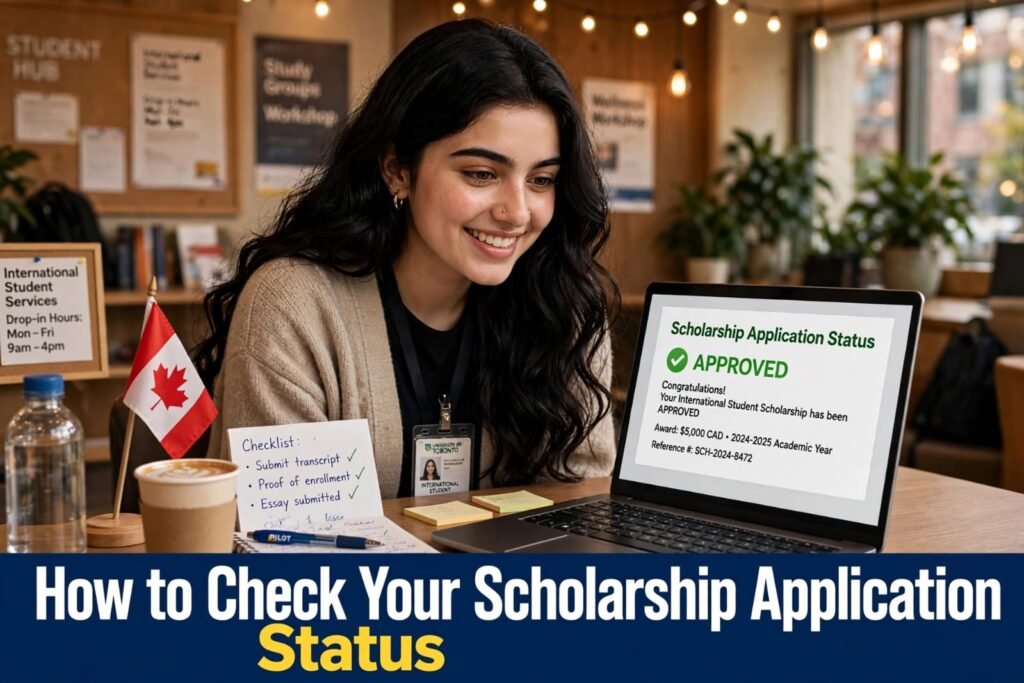
How to Check Your Scholarship Application Status
After submitting a scholarship application, students often want to know whether their documents have been received and when a decision will be announced. Knowing how to check your scholarship application status can help you stay informed, meet important deadlines, and prepare for the next stage of the selection process.
Scholarship providers use different methods to update applicants. Some offer online tracking portals, while others send notifications through email or applicant accounts. Understanding these methods can make the process easier and help you avoid missing important updates.
In this guide, you will learn how to track your application, understand common status messages, handle delays, and contact the scholarship office when necessary.
1. Visit the Official Scholarship Website
The first step is to find the official website of the organisation offering your scholarship. Universities, government departments, and international scholarship programmes may each have their own application systems.
Look for sections such as Applicant Login, Application Portal, Student Dashboard, or Application Tracking. If you applied through a particular portal, return to that same system unless the scholarship provider has given you different instructions.
Always verify that the website is official before entering personal information. Avoid websites that promise guaranteed scholarship approval in exchange for payment or account details.
Using the correct portal helps you access reliable information about your application.
2. Log In to Your Applicant Account
Once you reach the correct portal, sign in using the details you registered during the application process.
Depending on the system, you may need your email address, username, application number, and password.
After logging in, open your dashboard and select the relevant scholarship application. Some portals display all your applications together, while others require you to select a specific programme.
If you cannot remember your password, use the official password recovery option. Avoid creating another account unless the provider advises you to do so.
Keep your login details secure. Never share your password or verification codes with someone claiming they can guarantee your selection.
3. Find Your Scholarship Application Status
After opening your application, look for the status displayed beside your application number or programme name.
Some portals show the status directly on the dashboard. Others display it under Application History, Notifications, or Submitted Applications.
If you cannot find the information, review the instructions you received after submitting your application. The scholarship provider may explain where and how applicants can track their progress.
When checking your scholarship application status, remember that a missing update does not automatically mean rejection. The application may still be waiting for review, or the portal may not have been updated.
4. Understand Common Application Status Messages
Scholarship portals use different terms to describe the progress of an application. Their exact meanings depend on the organisation, but the following explanations are common.
Submitted
This generally means the application has been received by the online system. It does not necessarily mean that the selection committee has reviewed it.
Keep your submission confirmation and application reference number for future enquiries.
Under Review
This usually means the application is being assessed. The committee may be checking your academic qualifications, eligibility, supporting documents, or other selection criteria.
You normally do not need to submit another application unless the provider requests it.
Incomplete
An incomplete status may indicate that a required document, signature, form, or section is missing.
Open your application and review the instructions carefully. If you cannot identify the problem, contact the scholarship office for clarification.
Additional Documents Required
This message usually means that the provider needs more information before continuing the assessment.
Check which documents are requested and follow the stated submission method and deadline. Respond promptly whenever possible.
Shortlisted
Being shortlisted generally means you have progressed to another selection stage. This may involve an interview, additional assessment, or further document verification.
However, shortlisting does not guarantee a scholarship award.
Selected or Awarded
This may indicate that you have been chosen for the scholarship. Read the official notification carefully to confirm the award conditions, acceptance deadline, and any remaining requirements.
Wait for formal confirmation before making major financial or travel commitments.
Unsuccessful or Rejected
This generally means your application was not selected. If the provider offers feedback or an appeal procedure, review the instructions to determine whether you can request clarification.
One unsuccessful application does not mean you cannot qualify for other scholarships.
5. Check Your Email and Notifications
Email is one of the main ways scholarship providers communicate with applicants. Check the email address you used when submitting your application.
Review your inbox, spam folder, junk folder, and other relevant categories. You can also search for the scholarship name or organisation to locate previous messages.
Important notifications may include:
– Application confirmation.
– Requests for additional documents.
– Interview invitations.
– Deadline reminders.
– Final selection decisions.
If you receive an unexpected message asking for payment or sensitive information, verify it through the provider’s official contact details before responding.
Regularly checking your email can help you respond to requests without missing important deadlines.
6. Keep Your Application Details Safe
Your application reference number helps the scholarship office identify your submission. You may need it when asking questions or reporting technical problems.
Keep a secure record of the following information:
– Scholarship programme name.
– Application reference number.
– Submission date.
– Registered email address.
– Current application status.
– Important deadlines.
If you have applied for several scholarships, a simple spreadsheet or notebook can help you track each application separately.
Organising your information also makes it easier to remember which portal to use and when to follow up.
7. What to Do If Your Status Is Not Updating
Waiting for a scholarship decision can be stressful, especially when the same message appears for several weeks.
First, check the official selection timeline. Some programmes review applications in several stages, and decisions may be announced only after the assessment process is complete.
Next, check your email and portal notifications to make sure you have not missed a request.
If the expected decision date has passed, contact the scholarship office politely. Include your application reference number, submission date, and a brief request for an update.
Avoid sending repeated messages within a short period. A clear enquiry is generally more useful than multiple follow-ups.
Most importantly, do not assume that a delay means either acceptance or rejection. Wait for an official update.
8. How to Contact the Scholarship Office
If you cannot find your application information online, contact the official scholarship support team.
Use the email address or telephone number provided by the organisation. Explain your concern clearly and include the details needed to identify your application.
You can use the following email template.
Subject: Request for Scholarship Application Status Update
Dear Scholarship Team,
I hope you are doing well. I submitted my application for the scholarship programme and would appreciate an update regarding its current status.
My application reference number is [Application ID], and my submission date was [Date].
Please let me know if any additional information or documents are required from my side.
Thank you for your time and assistance.
Kind regards,
[Your Name]
Keep your message professional and concise. If the organisation provides a dedicated enquiry form, follow its instructions.
9. What If You Cannot Access Your Account?
Technical problems may prevent you from checking your application. You might forget your password, encounter an account lockout, or find that the portal is temporarily unavailable.
Try these steps:
1. Confirm that you are visiting the correct website.
2. Check your internet connection.
3. Use the official password reset option.
4. Try another browser or device if the page is not loading.
5. Check for official announcements about maintenance.
6. Contact technical support if the problem continues.
If a deadline is approaching, inform the scholarship office promptly and explain the issue. Keep a record of your support request.
Avoid submitting duplicate applications simply because you cannot access your account.
10. What to Do While Waiting for a Decision
While waiting, continue preparing for your educational goals instead of relying entirely on one application.
You can research other eligible scholarships, organise academic documents, improve your personal statement, and prepare recommendation letters for future applications.
If interviews are part of the selection process, practise explaining your academic interests, achievements, career plans, and reasons for applying.
Continue tracking deadlines for other opportunities so that waiting for one decision does not cause you to miss another application.
Checking your scholarship application status regularly is useful, but you do not need to refresh the portal constantly. Follow the provider’s instructions and check for updates at reasonable intervals.
Frequently Asked Questions
1. How do I check my scholarship application status online?
Visit the official scholarship portal, log in to your applicant account, and open your application dashboard. Check the status field, notifications, or application history.
2. Can I check my scholarship status without an application number?
Some portals allow applicants to sign in using their registered email address or username. If your application number is required, check your confirmation email or contact the scholarship office.
3. What does under review mean?
It generally means your application is being assessed. It does not guarantee acceptance or rejection, and the exact meaning depends on the scholarship provider.
4. How long does it take to receive a scholarship decision?
The timeline varies by programme, application volume, and selection process. Check the official schedule for the most reliable information.
5. What should I do if my application status has not changed?
Review the published timeline, check your email, and contact the scholarship office if the expected decision date has passed.
6. Does shortlisted mean I have received the scholarship?
No. Shortlisting usually means you have progressed to another stage. Wait for an official award notification before assuming you have been selected.
7. What if my application is marked incomplete?
Review your application for missing information or documents. Follow the provider’s instructions and contact the scholarship office if you need clarification.
8. Is it safe to share my scholarship application details?
You may need to provide your application reference number to the official scholarship office. However, never share your password, verification codes, or unnecessary sensitive information with unknown individuals.
Conclusion
Knowing how to check your scholarship application status helps you stay organised and respond appropriately throughout the selection process. By using the official portal, monitoring your email, understanding status messages, and keeping your application details secure, you can manage the waiting period with greater confidence.
Every scholarship provider follows its own procedures and timeline. Check the published guidance, respond promptly to document requests, and contact the relevant office when necessary.
A delayed decision does not automatically mean rejection. Stay prepared, keep track of other opportunities, and wait for official confirmation before making important decisions about your education.
How to Write a Scholarship Personal Statement That Stands Out